01
Open and review
Read the document, find the page you need, and check what still needs attention.
FOR EVERYDAY DOCUMENT HANDOFFS
A comment to add. A signature to place. Pages to put in order. Bring the finishing work together in PDF ProPanel, with document processing on your device.
Windows and Mac direct editions. No payment card required. Mobile store terms are separate.
 On-device desktop processing7-day direct desktop trialOptional add-ons clearly separated
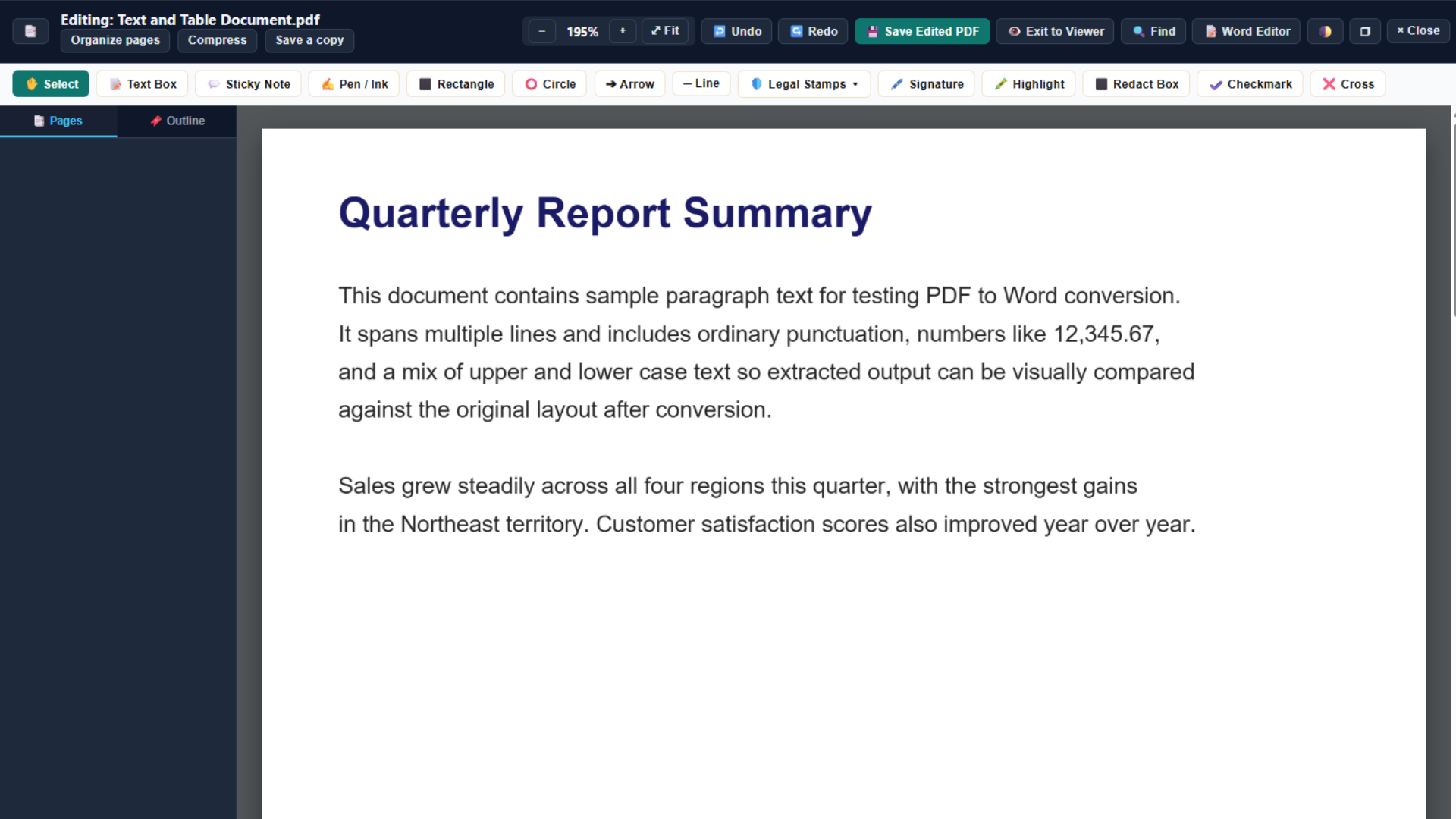
Read the document, find the page you need, and check what still needs attention.
Add comments, highlights or a signature. Put the pages in the order your recipient needs.
Save the finished PDF, reopen it and review the result before sending it on.
PDF ProPanel
Bring related PDFs together and review the page order in the desktop workspace. Keep your original files and inspect your exported copy.
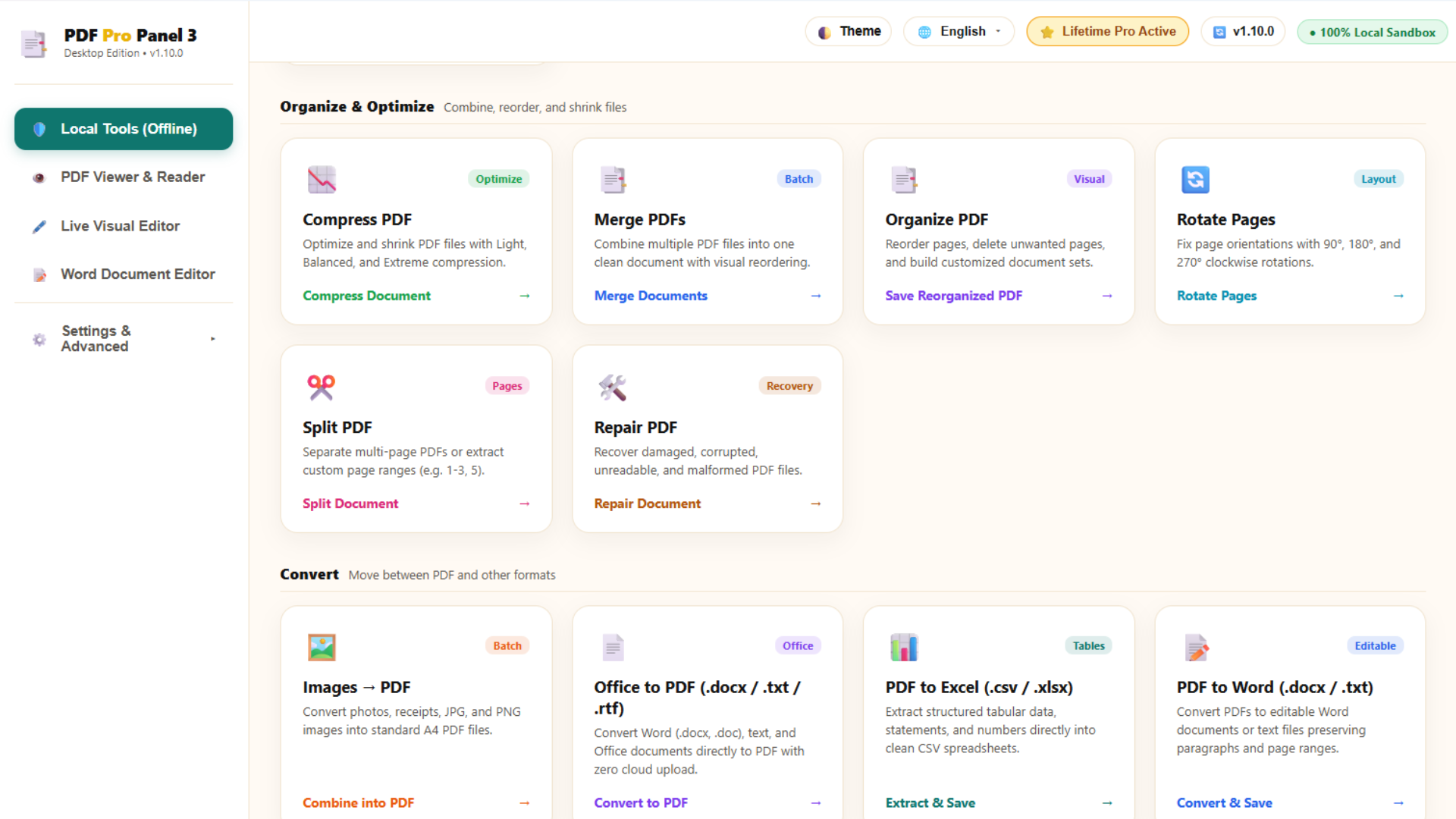
Start with the edition for your device. The workflow shown above is desktop; features and purchase terms vary on mobile and web.
Try the desktop app for 7 daysThe native desktop workflow shown here processes documents on your computer. Purchases, licence checks and updates can require internet access. Web Pro conversions have separate online processing requirements.
The core desktop trial and optional add-ons are separate. Review the add-on page for its compatible editions, requirements and individual trial terms.
The direct desktop edition remains a free reader after its seven-day trial. Editing and processed exports require a licence. Store editions follow their own purchase terms.
Do not assume a desktop or store purchase unlocks every other platform. Choose the edition you need and review its licence and supported-device terms.


