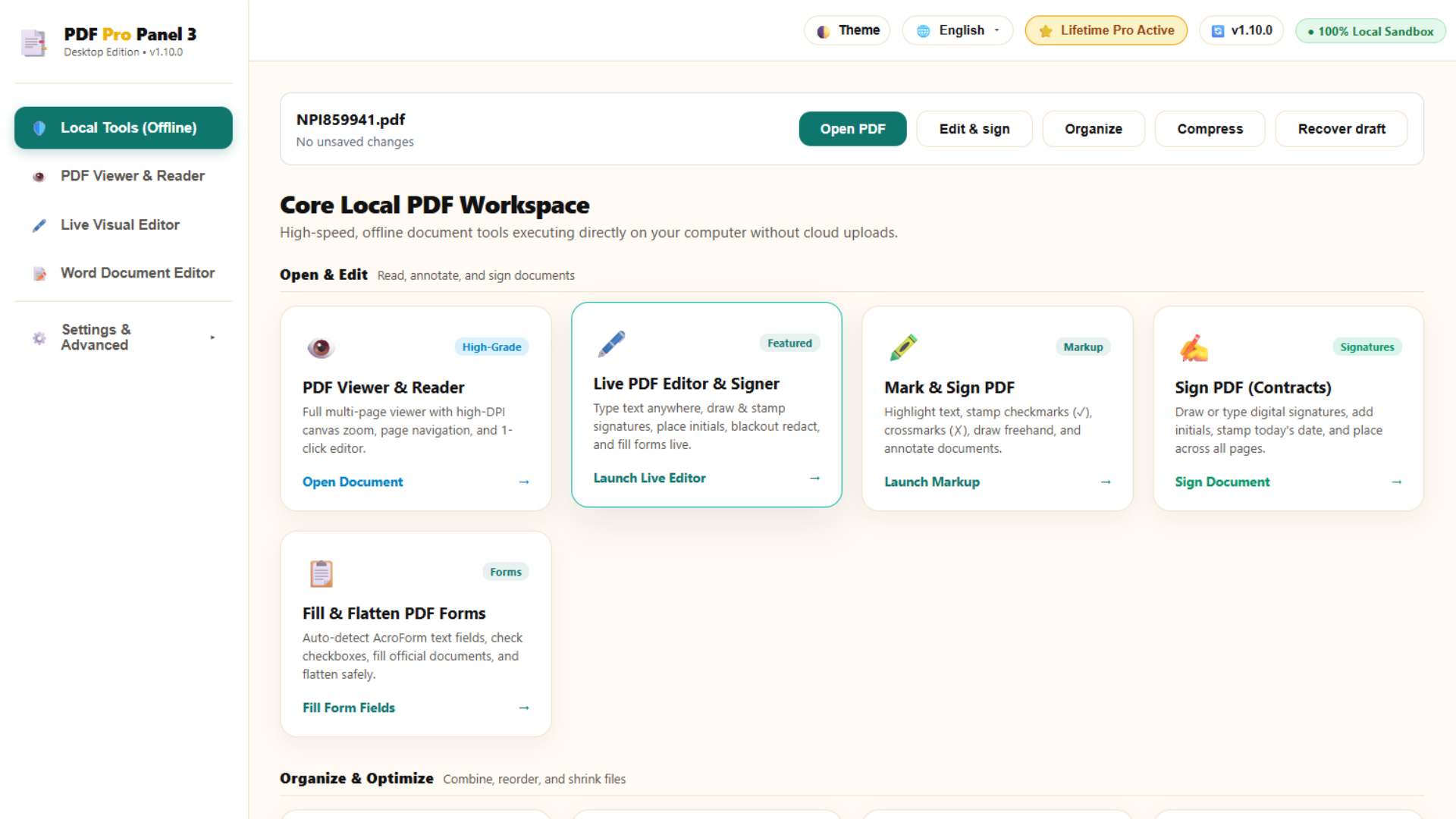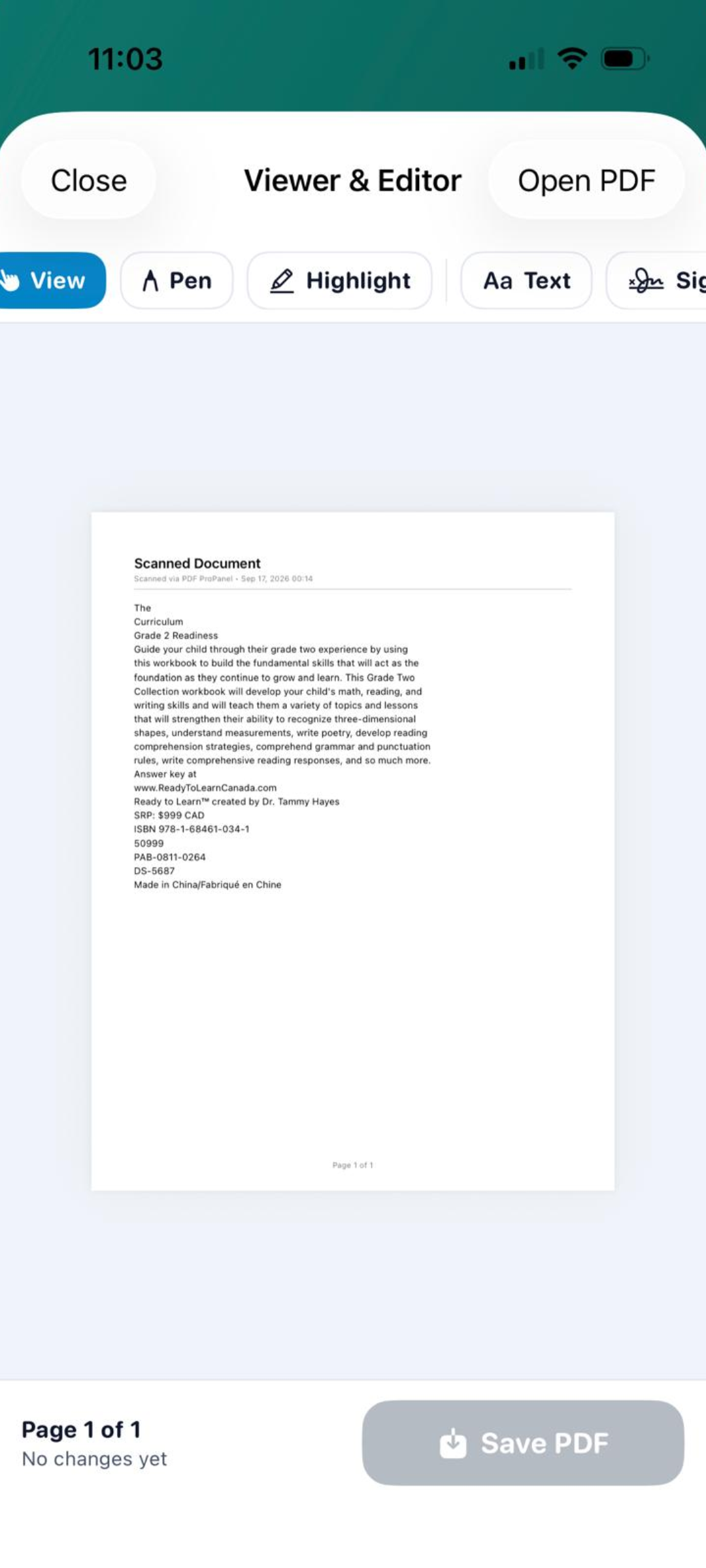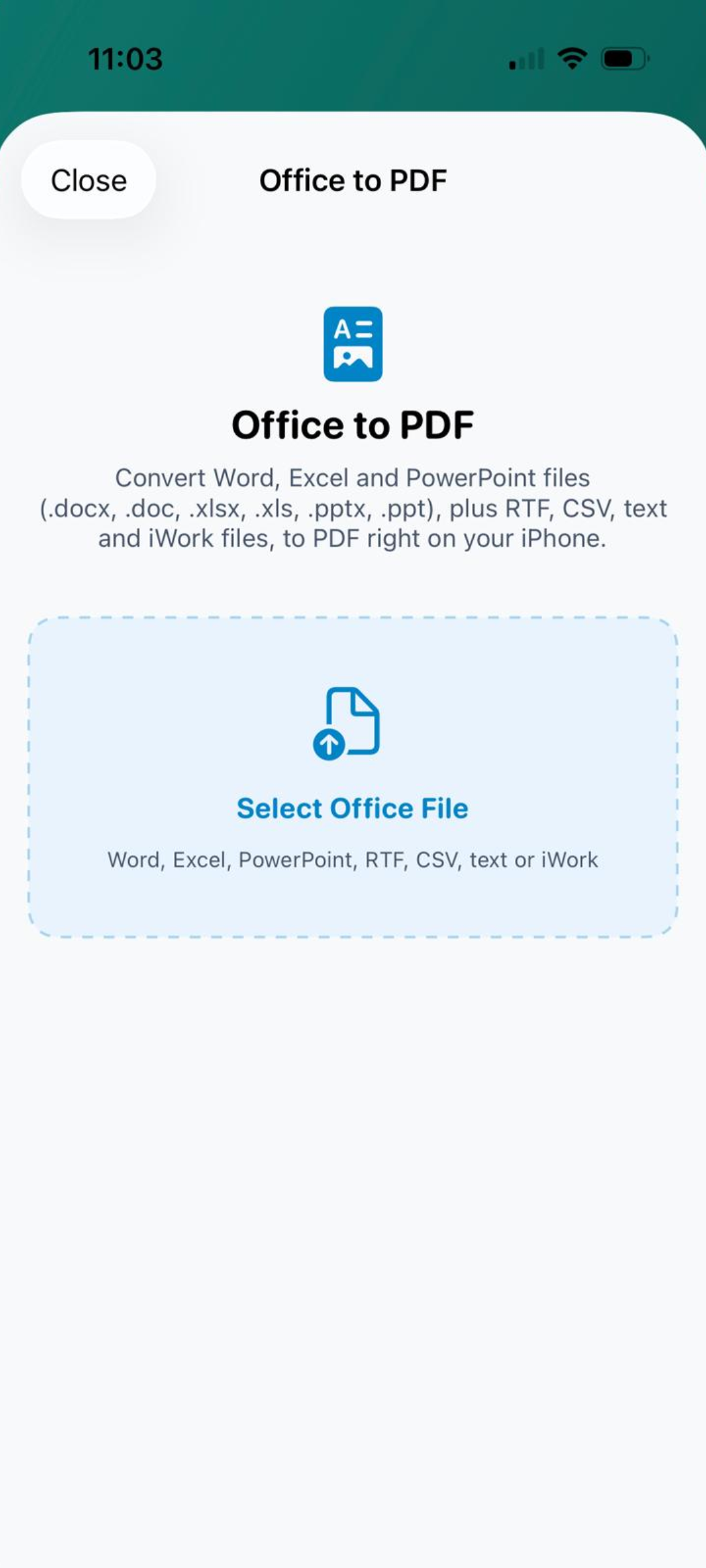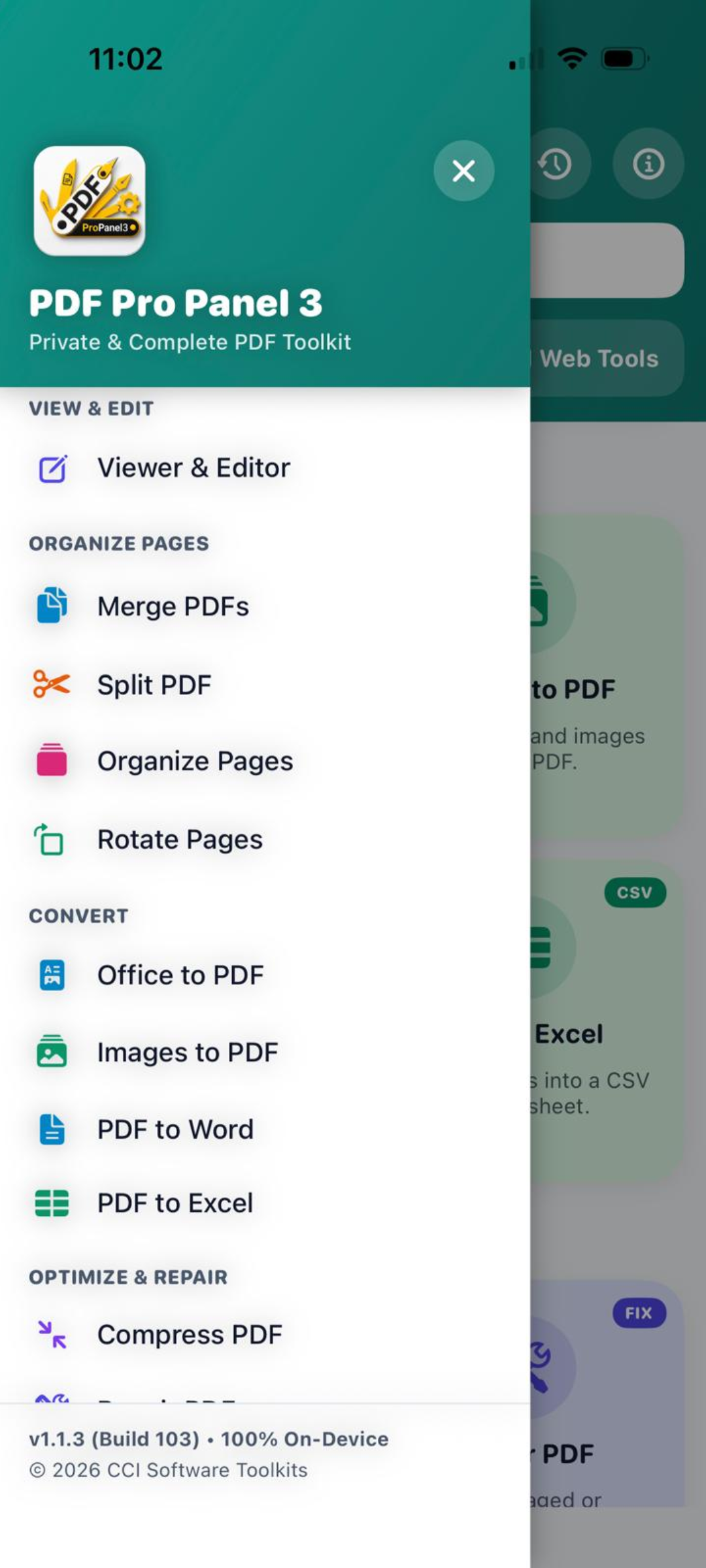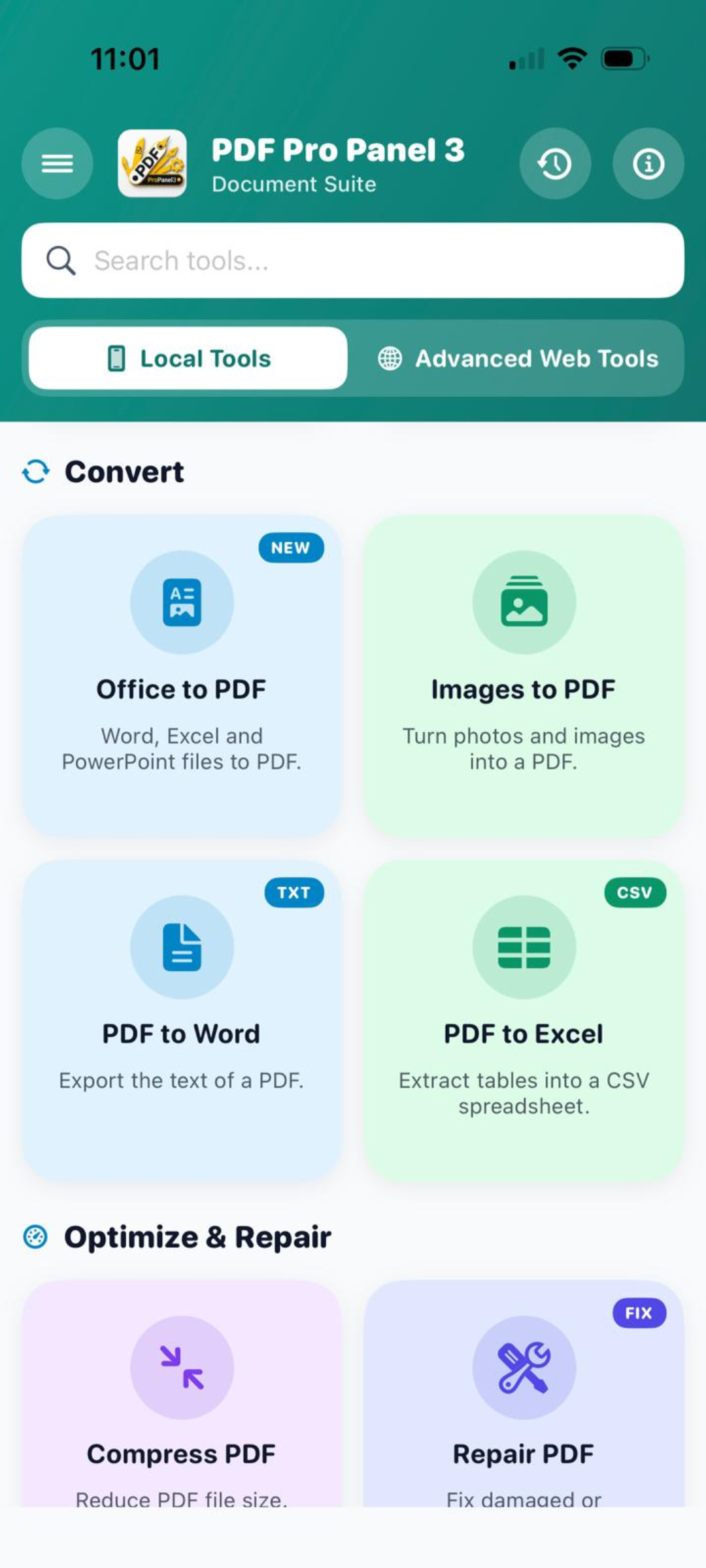
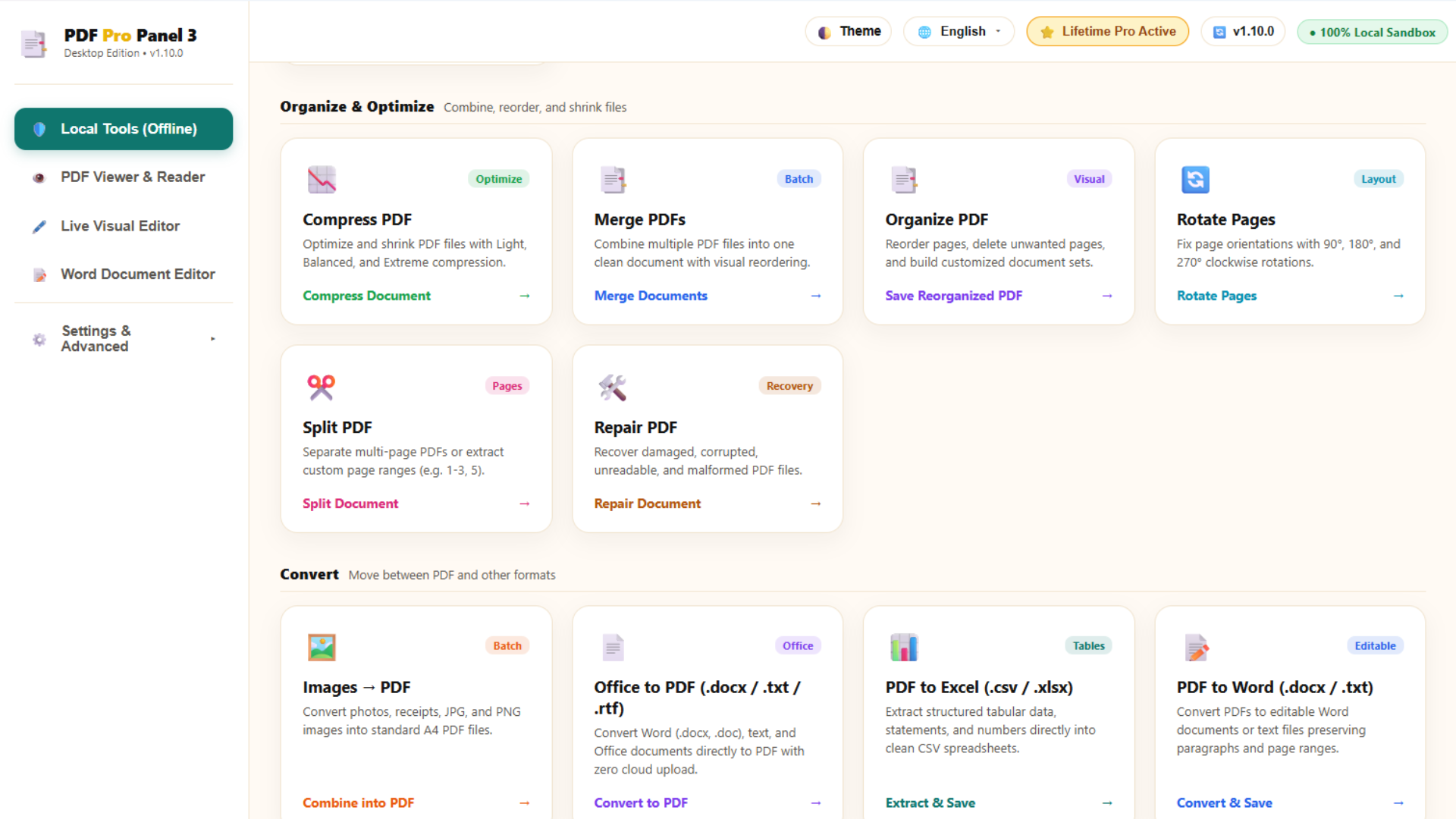
Unified Tool Hub & Search
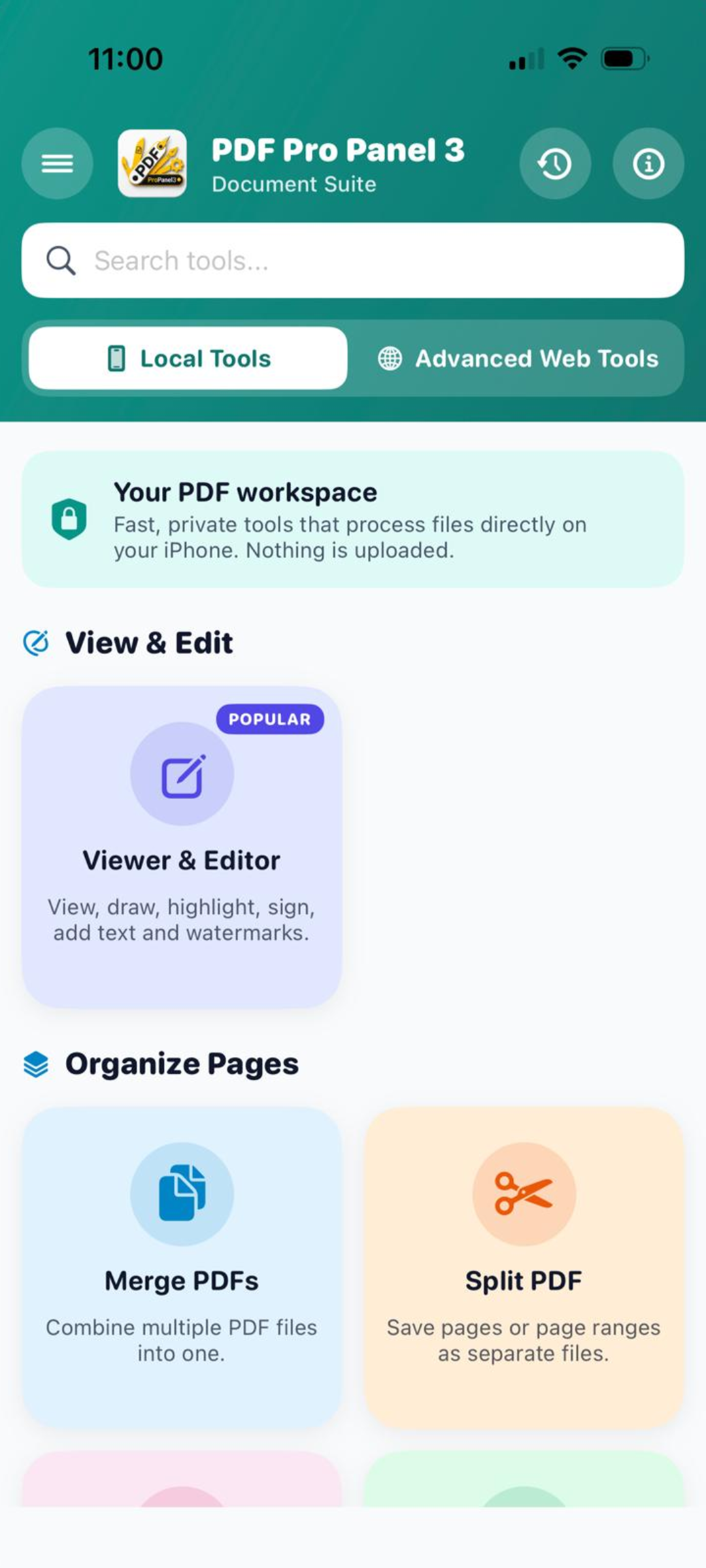
Clean, modular tool catalog featuring instant keyword search, grouped categories, recents history, and one-click access to all 17 native PDF engines.
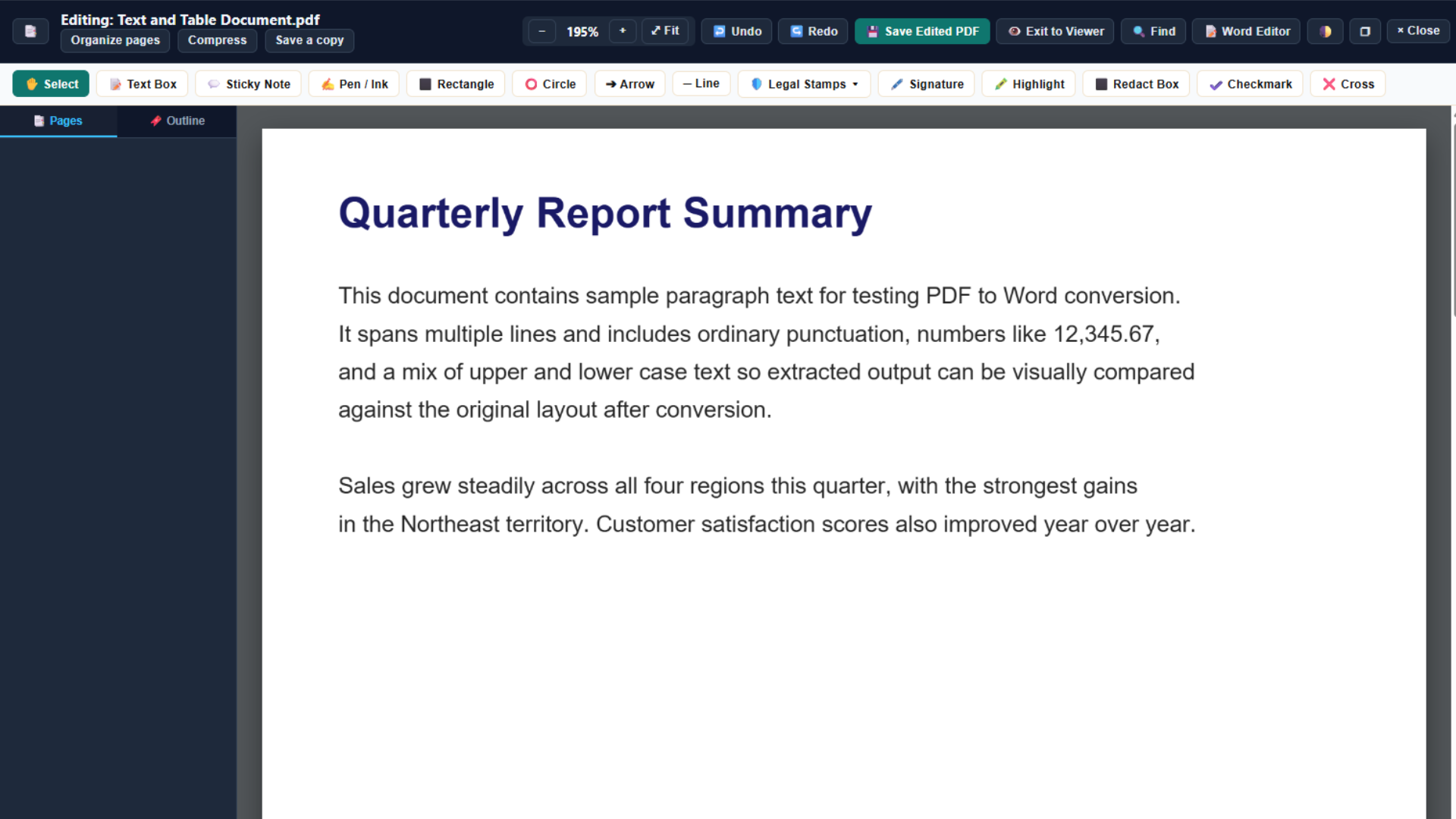
Experience the next-generation PDF platform built from the ground up for speed, on-device privacy, and effortless usability. Explore genuine interface captures across Windows, macOS, Android, and iOS.
Native Rust & C++ accelerated processing runs directly on your CPU/GPU with zero upload queues or cloud lag.
No pop-up ads, intrusive upselling banners, or distracting widgets. Just focused tools organized for instant work.
Your documents, signatures, and confidential scans never touch any external server. See the privacy policy for document handling and online service details.
Features and purchase terms vary by edition. Android 1.3.10 includes the refreshed workspace and PDF book library; see each platform guide.
Clean, modular tool catalog featuring instant keyword search, grouped categories, recents history, and one-click access to all 17 native PDF engines.
Assemble multiple PDF documents, reports, and exhibits into a single cohesive document with drag-and-drop reordering and instant page counts.
Inspect multi-page documents as visual thumbnail tiles. Selectively rotate upside-down pages, reorder flow, or delete unwanted pages in seconds.
Shrink heavy scanned binders, blueprints, and multi-megabyte contracts by up to 90% while preserving crisp vector typography and color balance.
Apply dual user and owner passwords, restrict unauthorized document printing or text copying, and harden sensitive files with standard 256-bit AES.
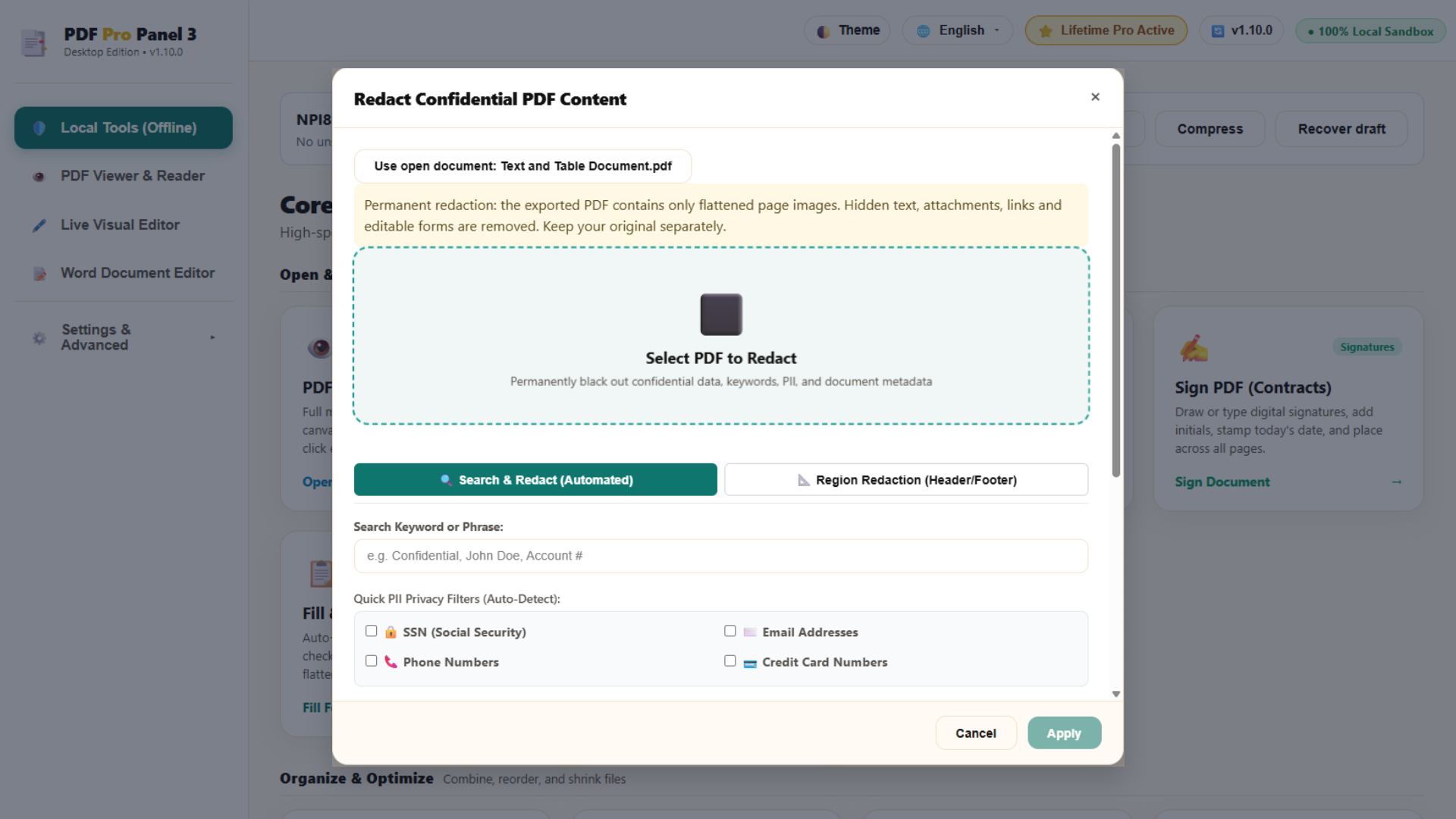
Blackout private identifiers, SSNs, credit cards, and addresses permanently. Strips underlying vector data so content cannot be extracted or copied.
Stamp evidentiary documents with case prefixes, zero-padded serial numbers, and customizable headers or footers across thousands of pages.
Convert read-only PDF tables and multi-column documents into fully editable Word documents (.docx) and spreadsheets (.xlsx) with formatting preserved.
Extract selectable text from flattened image scans and photos without uploading a single pixel to external servers. Generates searchable PDFs locally.
Streamlined, clean mobile dashboard designed for single-hand use. One-tap access to merge, convert, compress, sign, and organize tools on mobile phones and tablets.
Smooth pinch-to-zoom PDF reader with text search, highlighting, freehand digital ink signatures, and Apple Pencil / Samsung S-Pen precision support.
Reduce bulky attachments directly on your phone before messaging or emailing. Pick compression intensity with immediate before-and-after size previews.
Digitize physical receipts, contracts, legal forms, and whiteboards via device camera. Auto-detects paper edges, corrects perspective, and extracts text.
Long-press and drag pages to reorder document layout on a smartphone or tablet screen. Rotate, duplicate, or split pages into separate documents seamlessly.
Whether at your multi-monitor workstation or out in the field on your phone, enjoy 100% on-device privacy and cohesive functionality.
| Capabilities & Design | Desktop Edition (Win / Mac) | Mobile Edition (Android / iOS) | Web Cloud Sandbox |
|---|---|---|---|
| 100% Local On-Device Processing | Yes (Native Electron / C++) | Yes (Native Kotlin / Swift) | Yes (Client-side WebAssembly) |
| Full Offline Capability (Air-Gapped) | 100% Offline (No Internet Needed) | 100% Offline (Full Functionality) | Requires initial page load |
| Pricing Model | Lifetime License (One-time purchase) | Lifetime License (Google Play / App Store) | Free Sandbox + Pro Web Cloud |
| Heavy Multi-File Batch Processing | Optimized for large batches (100+ files) | Optimized for mobile documents | Single and small batch files |
| Touch, Stylus & Apple Pencil Support | Touchscreen laptop support | Native Apple Pencil & S-Pen stylus | Standard mouse/trackpad |
| Live Camera Document Scanning | Flatbed scanner / webcams | Auto edge-detect camera scanner | File upload only |
| Ads, Telemetry & Upsell Popups | Zero ads, zero clutter | Zero ads, zero tracking | Zero banner ads |

See Android 1.3.10 access options, library and workflow changes. Existing tool captures illustrate their named features and may show earlier layouts.